
What an Ignored Remote or Old Code Actually Costs You
A missing remote sitting in a stranger's car, a keypad code that hasn't changed since the house was bought, a opener that lost its memory during last spring's storm outage and never got reprogrammed — these aren't small annoyances. They're open doors, literally. Garage doors are one of the most common entry points for break-ins precisely because homeowners treat the opener like a convenience gadget instead of a lock. Heading into another Fox Valley winter, when early darkness means your garage gets used — and left briefly unlocked — more often, an unsecured code is a problem worth fixing this week, not next spring.
There's also a practical cost: cold weather is hard on remote batteries and plastic keypad buttons, and humid summers can corrode contacts. If you haven't touched your codes or checked your hardware in a year or two, there's a good chance something's already failing quietly.
Tools You'll Need
- Stepladder (most opener units and "learn" buttons are mounted on the garage ceiling)
- Flashlight
- Small Phillips screwdriver (for keypad battery covers)
- Fresh batteries — check whether your remotes and keypad use coin-cell, 9V, or AA
- Your opener's model number (usually on a label on the motor unit housing)
- Owner's manual or a PDF of it, since button sequences vary by brand (Chamberlain, LiftMaster, Genie, Craftsman, etc.)
- A notepad to record your new PIN somewhere other than on the keypad itself
Step-by-Step: Reprogramming Keypads and Remotes
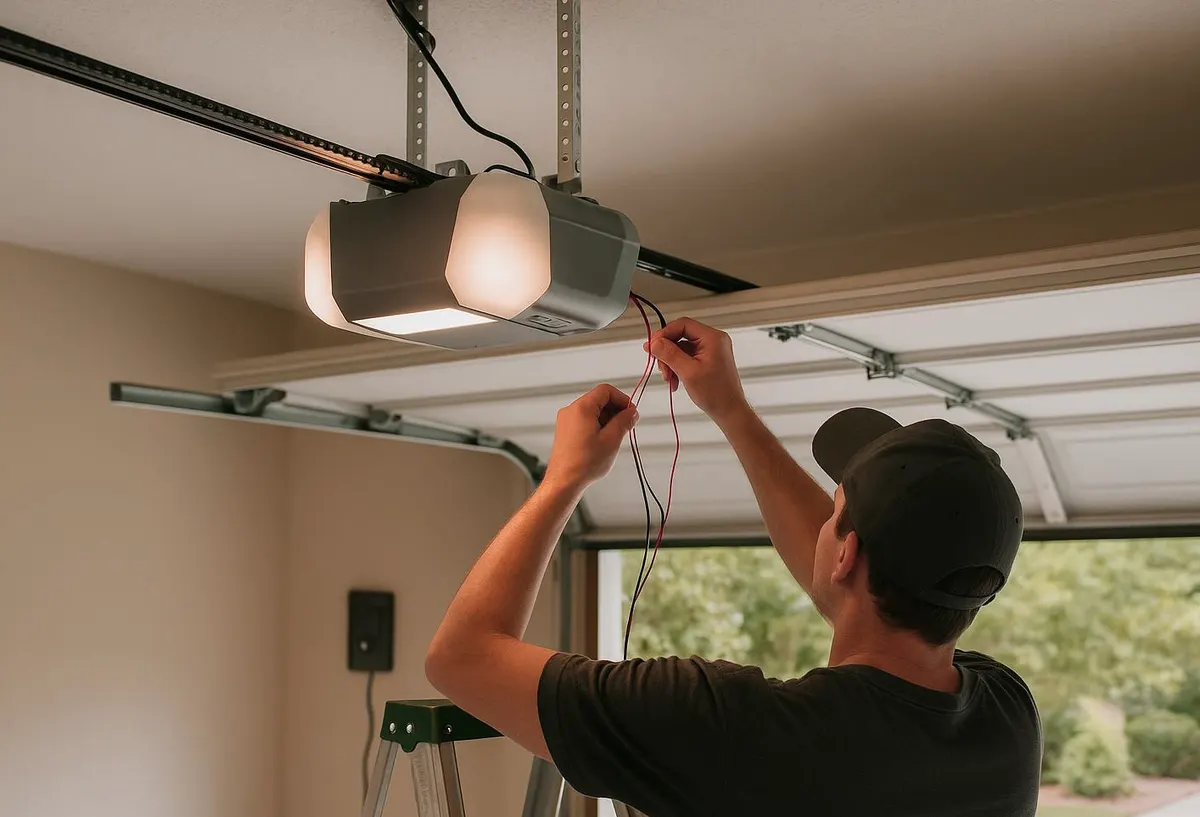
- Locate the "Learn" or "Smart" button on the motor unit. It's usually a small colored button near where the antenna wire hangs down, sometimes under a light lens cover.
- Clear existing codes if you're starting fresh. Press and hold the Learn button for about 6–10 seconds until the indicator light blinks, which erases all stored remotes and keypad codes. Do this if a remote is lost or you're not sure how many devices are currently paired.
- Press the Learn button once to put the opener into programming mode (the LED will light up and usually stay lit for about 30 seconds).
- For a remote: within that window, press and hold the button on the remote you want to pair until the opener's motor light blinks or you hear a click.
- For a keypad: enter a 4-digit PIN of your choosing on the keypad, then press and hold the Enter or large button until the opener light blinks, confirming the code is saved.
- Test it from outside the garage before you consider the job done — the door should respond within a second or two, consistently, not just on the first try after programming.
- Repeat for every remote (car visors, additional handhelds) and any secondary keypad.
Changing an Existing Keypad Code
Most keypads let you set a new PIN without erasing stored remotes. Open the keypad's battery cover, locate the small program button inside (not the number pad), press it, then enter your new 4-digit code on the keypad itself within the time window shown in your manual. This is worth doing any time a babysitter, contractor, dog walker, or tenant who had the code is no longer in the picture.
What a Homeowner Can Handle vs. What Needs a Technician
You can safely do all of the following yourself: replace batteries, reprogram remotes and keypads using the Learn button, clear all codes and start over, and swap a keypad's battery cover or weatherproof seal if it's cracked from freeze-thaw cycles.
Call a technician when:
- The Learn button doesn't respond, or the indicator light won't blink at all — this often points to a failing circuit board on the motor unit, not a programming mistake.
- A remote or keypad worked fine last week and now does nothing even after reprogramming attempts, which can indicate a dying receiver inside the opener.
- Your opener predates rolling-code technology (if your remote has a simple toggle switch set rather than a sync button, it's likely 15+ years old). These fixed-code systems are easier for someone with a code-grabbing device to clone, and upgrading the opener is a security issue, not just a convenience one.
- A wired keypad has a damaged or exposed wire run from winter ice and salt exposure near the garage threshold — that's an electrical issue, not a reprogramming one.
- The door responds inconsistently even though remotes are properly programmed, which often traces back to opener logic board wear rather than the remote itself.
If a Remote Is Lost or Stolen: Do This Immediately
- Clear all codes from the opener using the Learn button reset described above — this instantly deactivates the missing remote.
- Reprogram only the remotes and keypad codes you currently have in hand.
- Change the keypad PIN even if you don't think it was compromised; it takes two minutes and removes any doubt.
- Walk the perimeter of the garage and check the door panel, track, and weatherstripping for any signs of tampering, especially if the loss coincided with a break-in attempt elsewhere in the neighborhood.
When to Call Geneva Garage Door Pro
If your Learn button is unresponsive, your opener is old enough that it's using fixed codes instead of rolling codes, or you've reprogrammed correctly but the door still won't respond reliably, it's time for a technician rather than more trial and error. We handle garage door opener services including receiver and circuit board diagnostics, and when an opener is past its useful life, full garage door installation with a modern, rolling-code system that pairs cleanly with remotes, keypads, and smartphone apps.
If you're in Geneva, St. Charles, Batavia, West Chicago, North Aurora, South Elgin, Elburn, or Wheaton and your garage door access isn't as secure or reliable as it should be, call Geneva Garage Door Pro today and get it sorted before winter settles in.